Back to the changelog
Visitor Engagement
See who’s on your site and which pages they’re on, and reach out while they’re still there, with a short message next to the chat button, not a popup.
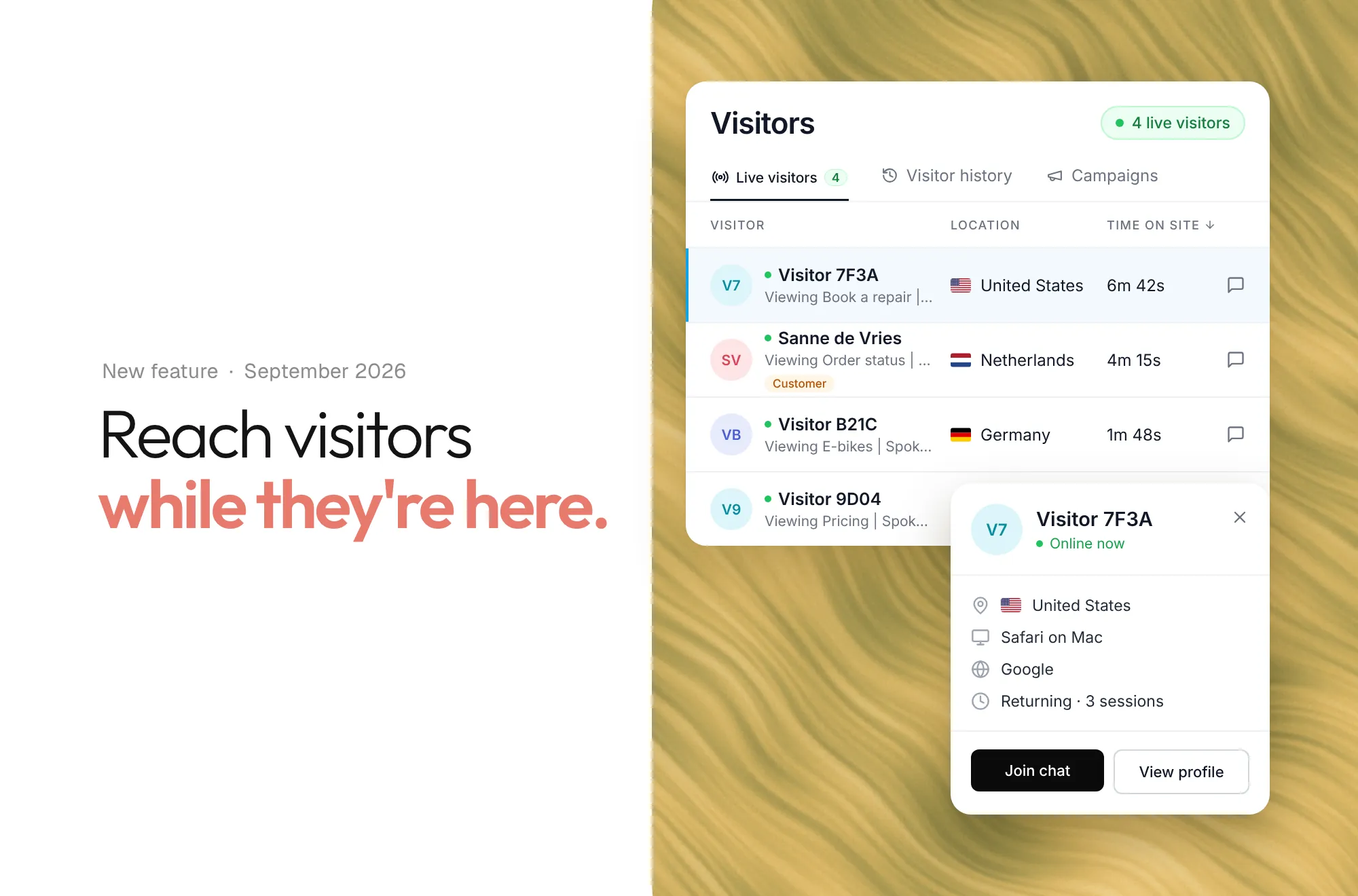
See who’s on your site and which pages they’re on, and reach out while they’re still there, with a short message next to the chat button instead of a popup that takes over the page.
- Show a message after someone stays on a page, goes quiet or looks about to leave, or send one yourself.
- Tapping it opens the same chat you already use, and your team picks up the reply.
- Get a visit history and optional alerts when someone new arrives or opens a message.
Turn it on for your agent in Settings, then find it under Visitor engagement in your dashboard. Included on every paid plan. Read the guide →