Chatbot to Human Handoff: How It Works and What to Look For
Human handoff is when an AI chat passes a conversation to a person on your team, with everything said so far attached. How it works, when it should happen, what has to move with the chat, and what to check in a tool.
 Yared10 min read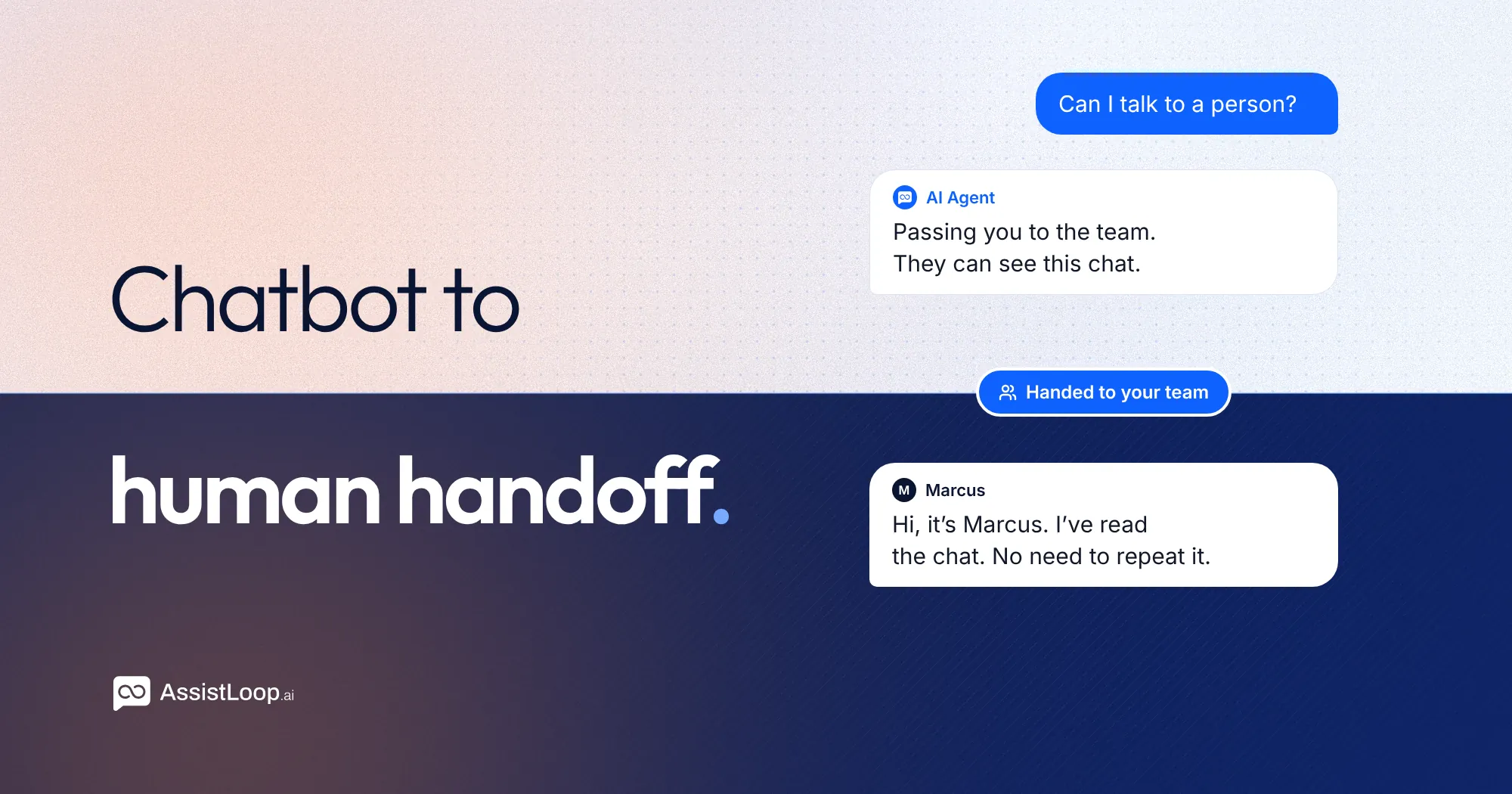
On this page
Updated 1 November 2026.
Chatbot to human handoff is the moment an AI chat passes a conversation to a person on your team, with everything said so far attached. When it works, the customer gets the right person and never has to repeat themselves. When it doesn't, they explain their problem twice, wait, and leave annoyed with both the bot and you.
Every support team that uses AI chat needs it, because some conversations should never be left to software. Below is how a handoff works, when it should happen, what has to move with the chat, how to measure it, and what to check before you pick a tool.
Human handoff at a glance
| What it is | An AI chat passing a conversation to a person, with the history attached |
| When it should happen | The customer asks for a person, the answer isn't in your content, the request is an exception or sensitive, or the customer is frustrated |
| What must move with it | The full conversation, who the customer is, the channel and page, any lookups the AI made, a way to follow up |
| Biggest failure | Making the customer fight for a person, then repeat everything |
| How to measure it | Handoff rate: handed-over chats ÷ all AI chats, read weekly with the reasons |
How a chatbot to human handoff works
A good handoff has five steps. Here is one from Brightmoor Physio, a small clinic that uses an AI agent on its website and WhatsApp.
- The customer writes in. A patient asks the AI agent about the clinic's cancellation fee. The agent answers from the clinic's policy page.
- Something triggers the handoff. The patient replies that she cancelled because the clinic moved her appointment, and she wants the fee refunded. That's an exception to the policy, so the agent shouldn't decide it.
- The agent tells her what happens next: "I'll pass this to the team now. They can see our conversation, so you won't need to explain it again."
- A person takes over the same chat. The front desk gets an alert, opens the conversation, and sees the whole thread: the policy answer, the moved appointment, the refund request.
- The person resolves it, then either closes the chat or hands it back to the AI for anything routine that follows.
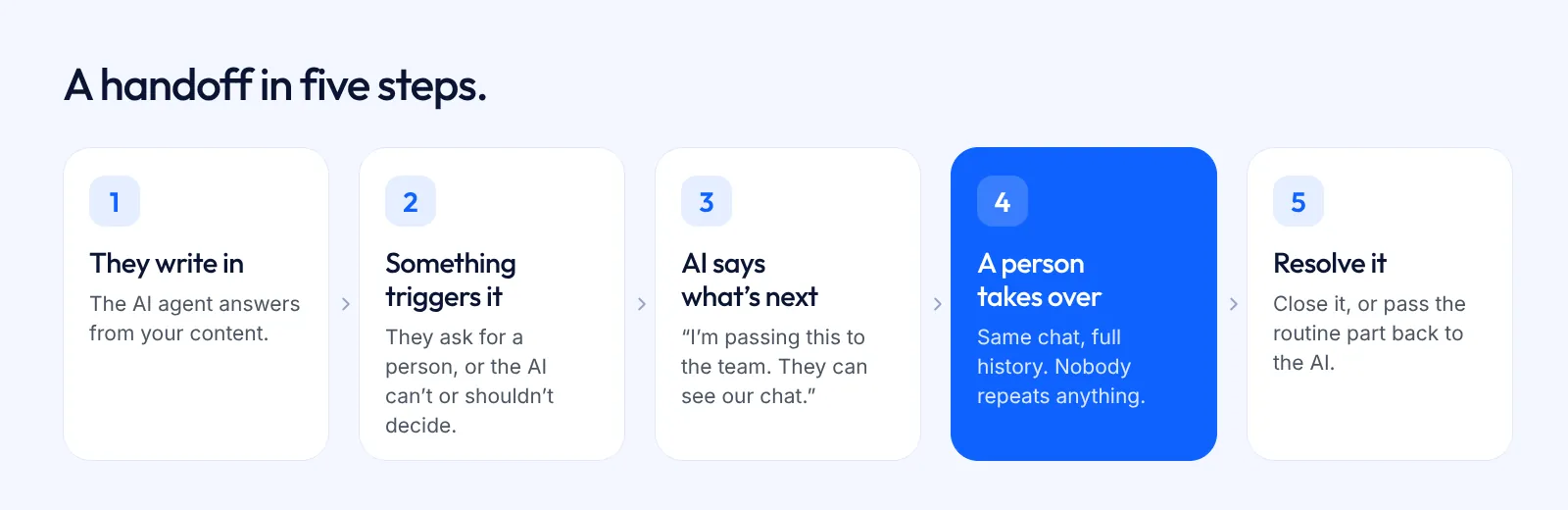
Notice what doesn't happen. The patient isn't sent to a contact form, given a phone number, or asked to start again in a new window. The conversation moves. The customer stays put.
When should a chatbot hand over to a human?
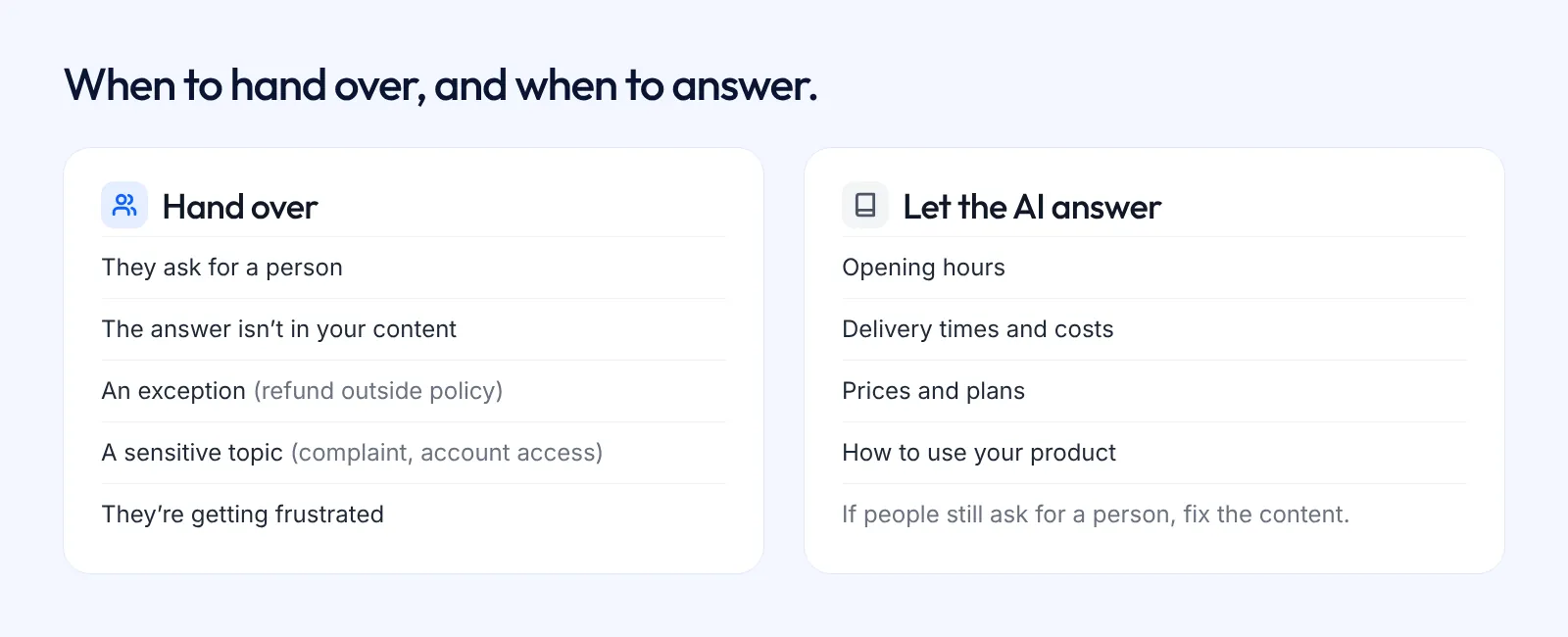
Hand over when one of these is true:
- The customer asks for a person. "Can I talk to someone?" should always work, first time, without a quiz. TechTarget's guide to handoff puts it plainly: "the user should see an option to interact with a human agent early on".
- The answer isn't in your content. If the AI doesn't know, it should say so once and pass the chat on, not guess and not loop.
- The request is an exception. Refunds outside policy, a disputed charge, a moved booking with a fee attached. The AI can explain the rule. A person should decide when to bend it.
- The topic is sensitive. Complaints, health, legal or money worries, account access and security questions belong with a person.
- The customer is getting frustrated. Repeated questions, "that's not what I asked", all-caps. Don't make them fight for it.
- The AI isn't allowed to do the task. If it can look up an order but can't issue a refund, the refund goes to a person.
And don't hand over when the answer already exists. If customers keep asking for a person about opening hours or delivery times, the fix is better content, not more handoffs. Your team's time is for the conversations that need judgement.
What has to travel with the chat
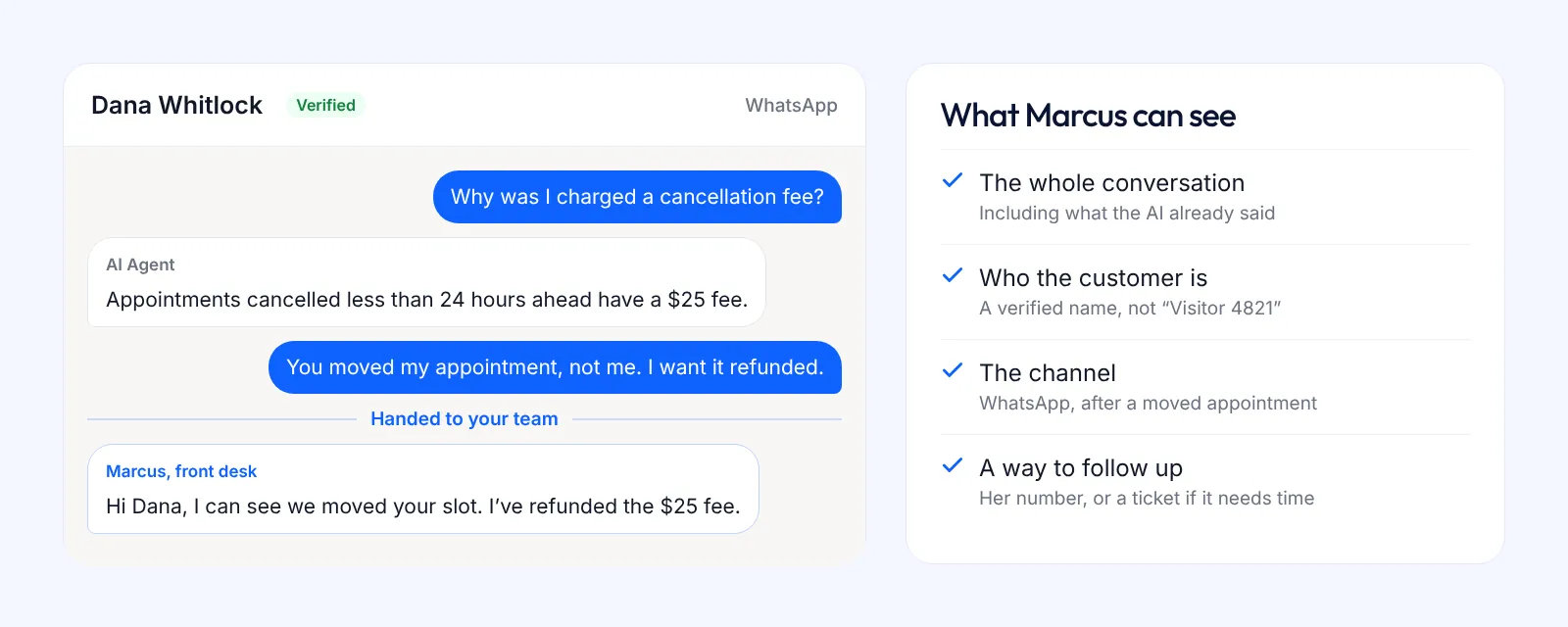
The handoff is only as good as what the person receives. Before you trust any setup, check that the teammate who takes over can see:
- The full conversation, including the AI's answers. If they can't see what the AI already said, they'll repeat it or contradict it.
- Who the customer is. A name, and ideally a verified identity if the customer is logged in to your site, so your team isn't asking "can I get your email?" in the middle of a refund.
- The channel and the page. Someone writing from your pricing page on a Sunday is in a different spot from someone on WhatsApp after a delivery.
- Any lookups the AI made. If it already checked an order or a booking, the result should be in the thread.
- A way to follow up. A contact detail or a ticket, in case the problem needs more than one sitting.
Timing: hand over early, not after three loops
The most common handoff failure isn't the transfer itself. It's how long the customer has to fight to get one.
A bot that answers "Sorry, I didn't get that" three times before offering a person has already lost the customer's goodwill. Researchers have treated handoff timing as a problem in its own right: a 2020 paper accepted at AAAI 2021 looks at predicting the right moment to transfer, because bots "may malfunction" on topics outside what they were built for. You don't need a model to get the basics right:
- Offer a person as soon as the customer asks.
- Hand over after one "I don't know", not three.
- Tell the customer what happens next and roughly when.
- Never close a chat while the customer is waiting for a person.
What if nobody is available?
Handoff assumes someone is there to take it. Often nobody is: it's 11 pm, or the one person who handles refunds is off.
Be honest with the customer instead of leaving them on hold. Say when a person will reply, make sure you have a way to reach them, and log the request so it can't get lost. A ticket does this job: the conversation becomes a piece of work with an owner, and it's still there in the morning.
How to measure handoff: handoff rate
Handoff rate is the share of AI conversations that get passed to a person.
Handoff rate = conversations handed to a person ÷ all AI conversations × 100
There's no universal good number. A clinic that handles a lot of billing exceptions will hand over more than a shop answering delivery questions. What matters is the trend and the reasons. Once a week, read the handed-over chats and sort them:
- Handovers that should have happened. Keep them.
- Handovers caused by missing content. Add the answer and watch those disappear.
- Handovers caused by the AI not being allowed to do something it safely could. That's a case for an action, such as an order lookup.
Handoff rate is the flip side of containment rate, the share of chats the AI resolves on its own. Watch both. A containment rate that climbs while customers complain usually means the handoff is too hard to find.
What to look for in a tool
If you're comparing tools, these are the checks that separate a real handoff from a "contact us" link:
- The customer can ask for a person in plain words, at any point, and it works first time.
- A teammate takes over the same conversation, with the full history, in real time.
- Your team gets an alert, on a phone as well as a laptop, so a waiting customer doesn't sit unseen.
- The chat can go back to the AI after the person is done.
- You can open a ticket from the chat for anything that needs follow-up.
- Handoff works on every channel you use, not just the website widget.
- You can see, per conversation, when and why it was handed over.
- The price is clear. Some tools put handoff on higher tiers or sell it as an add-on, so check the plan, not the feature list.
Test this before you buy. Run a three-chat test yourself: ask for a person straight away, ask something your content doesn't cover, and ask for a refund outside your policy. Then sit on the team side and see what arrives.
How handoff works in AssistLoop
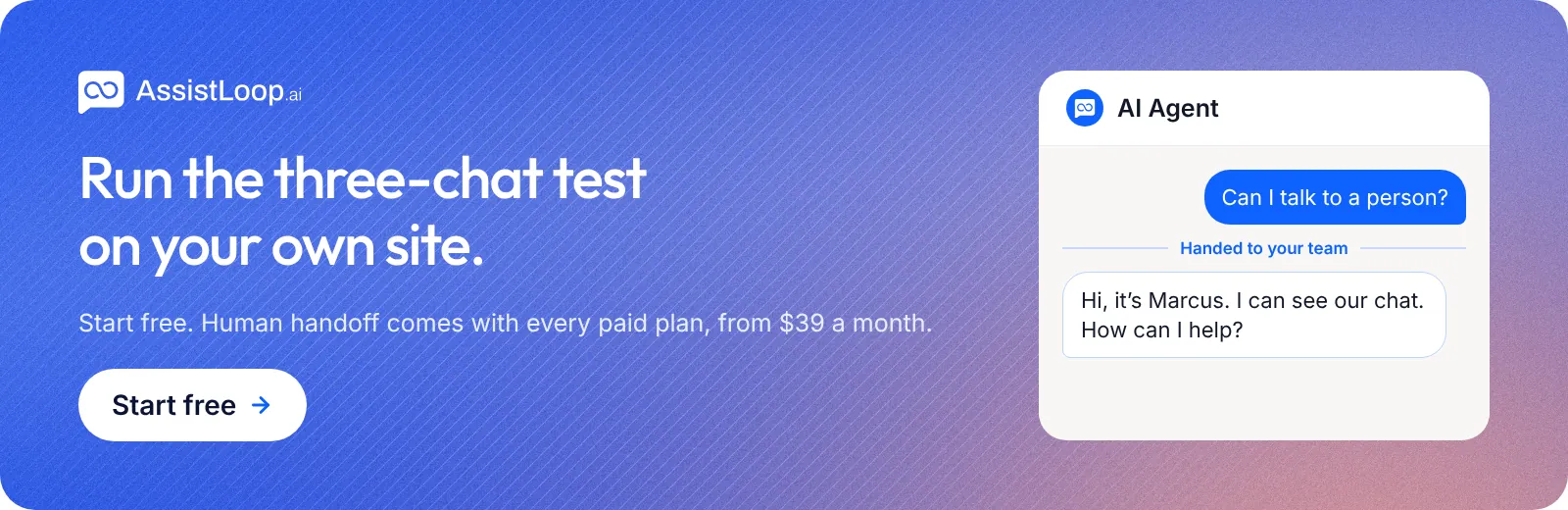
AssistLoop's AI agent answers from your own content and says so when it doesn't know. When a customer asks for a person, the agent passes the conversation to your team. A teammate takes over the same thread, with the full history, from the inbox or the iOS and Android apps, which alert the team when someone needs human support. When they're done, the AI/Human switch hands the chat back to the AI.
A few details that help in practice:
- Chats from your website, WhatsApp, Instagram, Messenger and Telegram land in one inbox, so a handoff looks the same wherever the customer wrote from.
- The agent can open a ticket itself when a customer needs follow-up, in AssistLoop or HubSpot. The customer can follow it from a private link.
- With verified user identity, your team sees the logged-in customer's real name and email, not an anonymous visitor.
- For an agent where you want people to answer everything, Human Only Mode turns the AI's replies off.
Human handoff comes with every paid plan, from Starter at $39 a month. The Free plan answers from your content but doesn't include handoff. To switch it on, follow the step-by-step guide: how to hand off an AI chat to a human. More on the feature: Human handoff.
FAQ
What does human handoff mean?
Human handoff means an AI chat passes a conversation to a person on your team. The person takes over the same conversation, with the history attached, so the customer doesn't have to start again.
Is human handoff the same as escalation?
Mostly, yes. Escalation is the older support term for moving a case to someone with more authority or skill. In AI chat, handoff is the escalation from the AI to a person. Some teams then escalate again, from the front line to a specialist.
What is a good handoff rate for a chatbot?
There isn't one number that fits everyone. It depends on how many of your questions need a decision or a lookup the AI can't make. Track your own rate over time, and read why chats were handed over. Falling handovers from missing content is the sign you want.
Can the AI take the chat back after a person steps in?
In tools that support it, yes. In AssistLoop, the AI/Human switch hands the conversation back to the AI once your teammate is done.
Does human handoff work on WhatsApp and Instagram?
It should, and it's worth checking before you buy. Some tools only support handoff in their website widget. In AssistLoop, chats from every channel arrive in the same inbox, and your team can take over any chat, with the full history.
Can I turn off the AI and have people answer every chat?
Yes, in many tools. In AssistLoop it's called Human Only Mode: the AI never replies for that agent, and every message goes to your team.
Sources
- Jonathan Bordoli and Fancy Mills, Best practices for initiating chatbot-to-human handoff, TechTarget, 3 May 2022.
- Jiawei Liu et al., Time to Transfer: Predicting and Evaluating Machine-Human Chatting Handoff, arXiv, December 2020 (accepted at AAAI 2021).
- AssistLoop product details: Human handoff, Pricing, checked 1 November 2026.
Build Custom AI Chatbot for Your Business FREE
Create intelligent AI agents that handle customer support, boost conversions, and work 24/7 for your business.
Build Your Agent